Get the app
For drivers, passenger attendants and parents.
Operators and their customers sign in on this website. The app asks for its permissions once, as you set up: crew for location (from two hours before a run until 30 minutes after it), notifications, the microphone and phone calls, and the camera only when they take a photo; a parent for notifications, the microphone and phone calls, never location or camera. One phone per login.
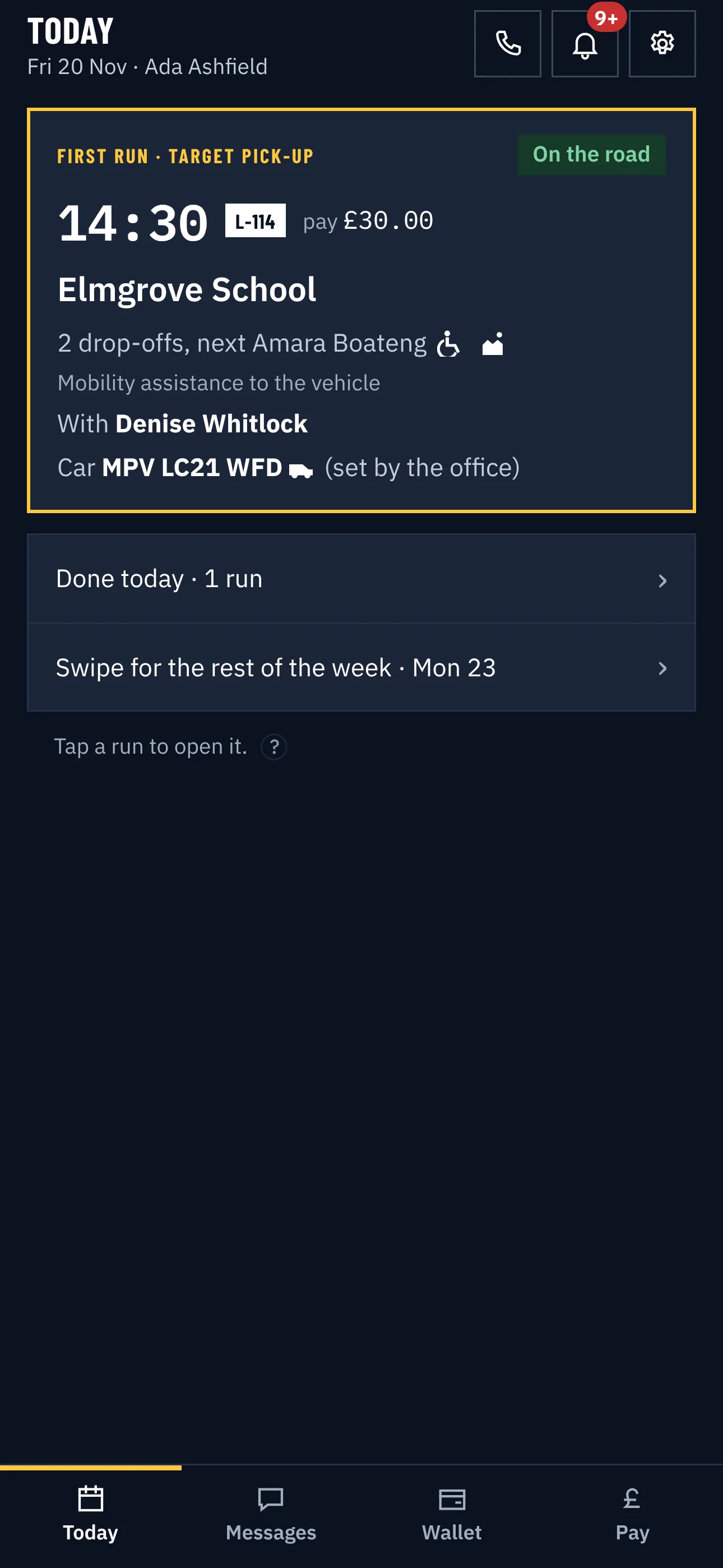
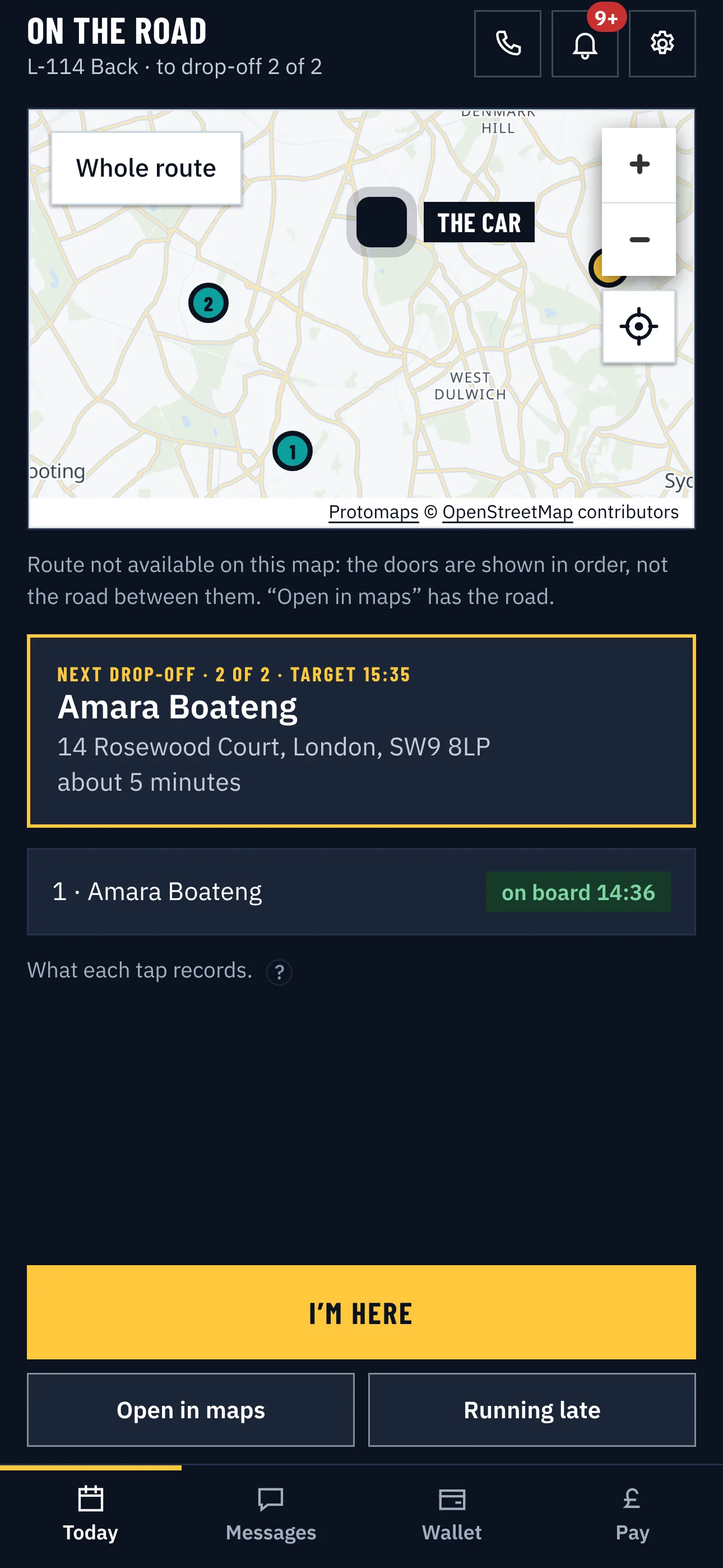
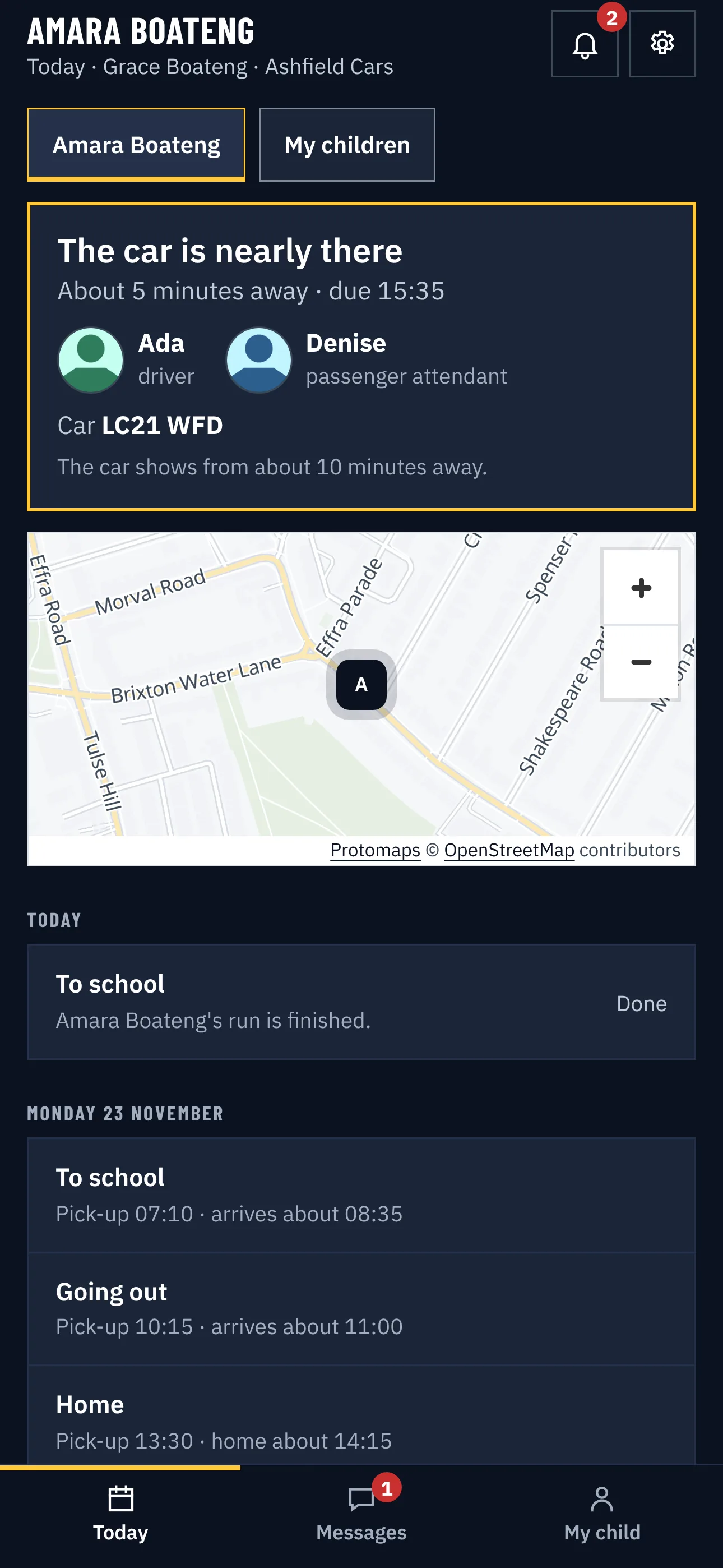
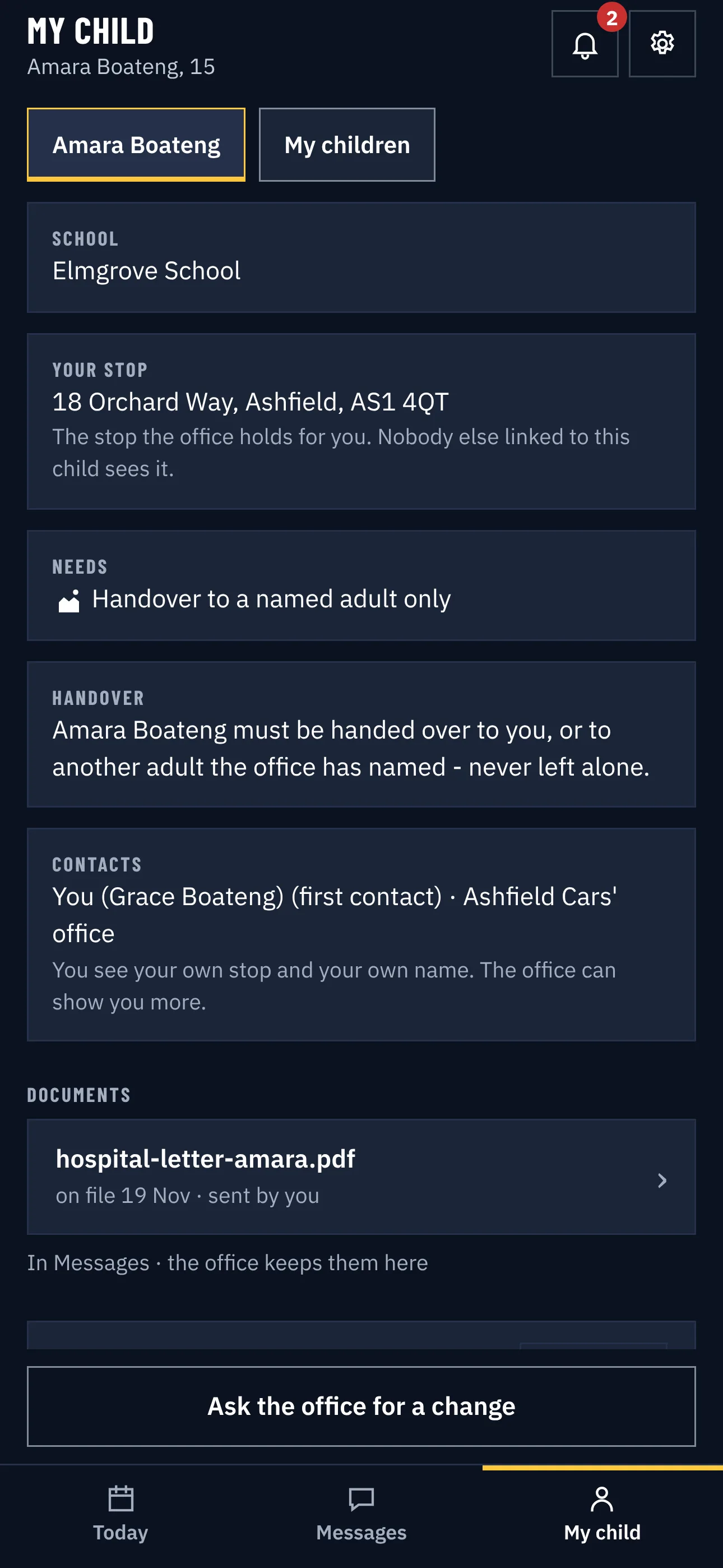
Install
Google Play today; the App Store is coming. Free.
Create an account
Pick “Parents and carers” or “Crew” at the top of the app’s first page, sign in with Google or Apple, then say your role: driver, passenger attendant or parent. A crew role can’t be changed later.
Type or scan the office’s code
Scan its QR with your phone’s own camera, or open the link the office shared: the app opens with the code filled in. That links you to the company, or to your child.

Google Play and the Google Play logo are trademarks of Google LLC.